
Nobody screenshots the sunset. You'll remember the sunset. What you won't remember, standing outside a station at 11pm with one bar of signal, is your hotel's street number.
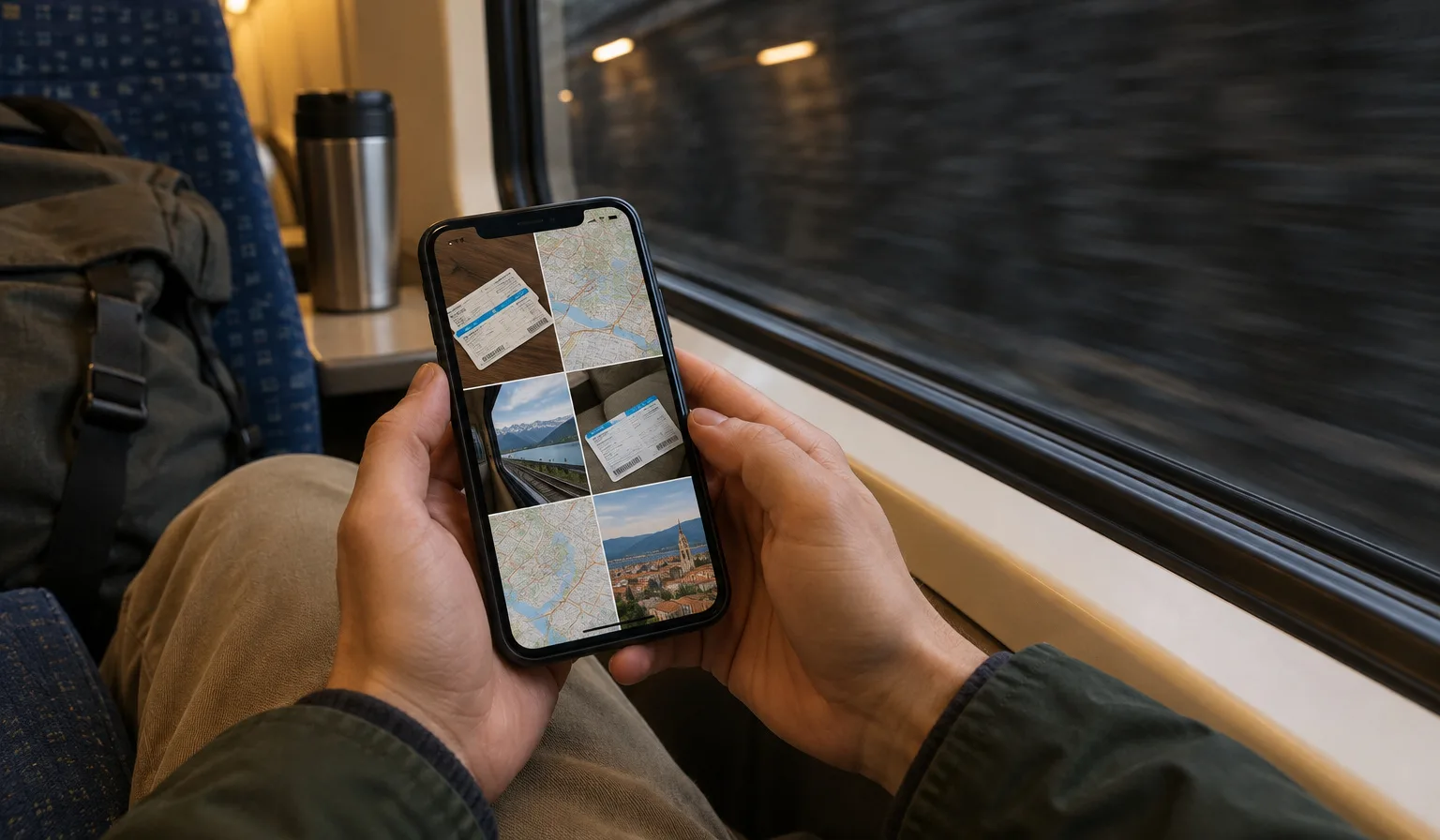
The boring stuff — confirmation codes, addresses, phone numbers — is exactly what you need when things go slightly wrong. And things going slightly wrong usually coincides with having no connection. So before you leave, spend ten minutes turning the boring stuff into images that live on your phone, no network required.
Why screenshots beat apps
Booking apps are great until they aren't. Many need a connection to load your reservation. Some log you out at the worst moment. Email search is slow when you're stressed and your phone is hunting for signal.
A screenshot is different. It opens instantly, works in airplane mode, and you can zoom in on the confirmation code while a hotel receptionist waits. It's the lowest-tech backup there is, and that's the point.
The pre-trip screenshot list
Go through this the night before you fly:
- Booking confirmations. Flights, trains, hotels, rental cars. Capture the code, the name on the booking, and the dates — not just the email subject line.
- Your hotel's address in the local script. If you're heading somewhere that doesn't use the Latin alphabet, copy the address from the hotel's own website in the local writing system. A taxi driver in Japan or Thailand can read that instantly; your romanised version, maybe not.
- The hotel phone number. If your booking falls through or you arrive after the desk closes, a phone number solves more problems than an app ever will.
- Transit passes and QR tickets. Open the ticket in the app once, then screenshot it. Some barriers scan a static QR code just fine; even where they don't, the screenshot proves you have a valid ticket.
- Your travel insurance details and emergency contacts. You hope to never open this one.
Put them all in one album called something obvious. Future-you, tired and jetlagged, should find everything in two taps.
Download the maps too
Screenshots cover the facts; offline maps cover the geography. Download the map area for your destination city before you leave home, while you're on fast Wi-Fi. GPS works without any data connection, so a downloaded map still shows the blue dot moving — which is all you need to walk from the station to your hotel.
If you want a deeper setup, pin your hotel and the main station as saved places. They'll show up on the offline map too.
When the signal drops in a train tunnel
Here's the scenario this whole habit is built for. You're on a train, the conductor is coming, and your ticket lives in an app that's showing a loading spinner because you're underground.
If you screenshotted the ticket, you're done — open the photo, show the code. If you didn't, don't refresh the app repeatedly; let it settle and try once when you're out of the tunnel. For everything else — the address you need at the next stop, the platform change, the hotel number — your screenshot album works exactly the same at 200 km/h underground as it does at home.
The rule of thumb: anything you must show or read at a specific moment should exist as an image, not a login.
Screenshots and data work together
None of this replaces having mobile data abroad — it backs it up. An Openline eSIM installed before you leave connects automatically when you land, and the screenshots cover the gaps: tunnels, basements, dead zones. One is your main plan, the other is your paper map in the glovebox.
If you're still planning, browse destinations to see where you're covered — then screenshot your confirmation, obviously.
The takeaway
Ten minutes before departure: screenshot every booking code, the hotel address in the local script, the hotel phone number, and your transit tickets. Download the offline map. Put it all in one album. You'll probably never need it — and the one time you do, it'll be the smartest thing you packed.