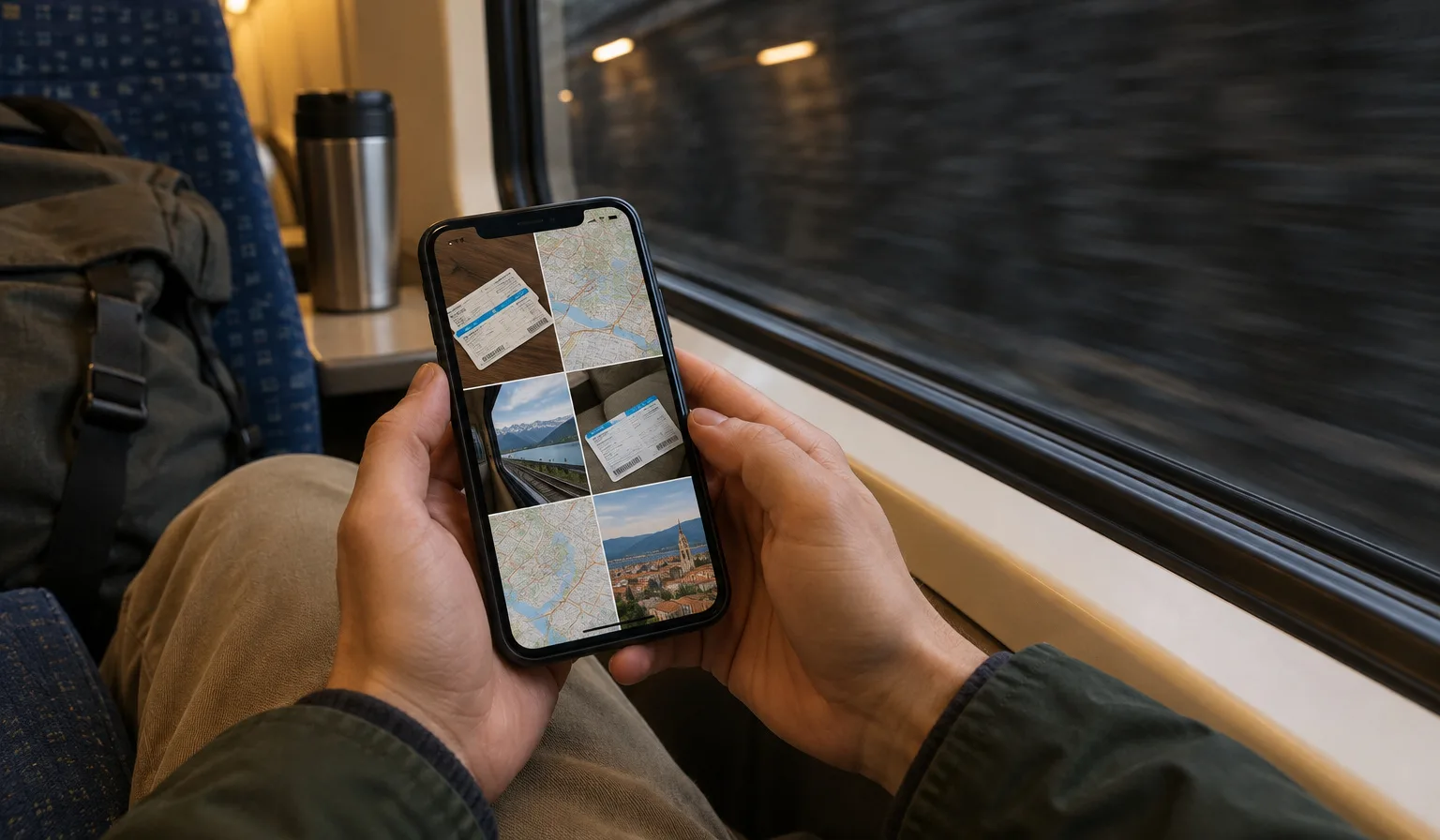


Every winter, a quiet migration happens. While most of Europe digs out gloves and scrapes ice off windscreens, a steady stream of remote workers boards flights to Tenerife and Gran Canaria. They are not on holiday. They are just doing the same job from somewhere the sun still shows up.
If you have been thinking about joining them, here is what actually makes the islands work as a winter base — and how to make sure your connection does not let you down.
Why the Canary Islands, specifically
Three things set the islands apart from most warm-weather escapes.
The weather is mild, not extreme. Winters in the Canaries are famously gentle — warm enough for a morning swim, cool enough to work through the afternoon without hiding from the heat. You are not trading a European winter for a tropical monsoon season. You are trading it for spring.
The time zone barely moves. The Canary Islands sit on the same time as the UK and Portugal, one hour behind mainland Spain and most of Western Europe. Your 10:00 stand-up is still your 10:00 stand-up, give or take an hour. No 6 a.m. calls, no colleagues waiting until midnight for your reply. For anyone working with European teams, this is the quiet killer feature.
The infrastructure exists. Tenerife and Gran Canaria have hosted remote workers long enough that the islands have adapted. Las Palmas de Gran Canaria and the south of Tenerife both have coworking spaces, laptop-tolerant cafes, and apartments listed with workers in mind rather than just beach weeks. You are not pioneering anything. You are joining something that already runs.
Tenerife or Gran Canaria?
There is no wrong answer, but they feel different.
Gran Canaria's remote-work scene centres on Las Palmas, a real working city with a long urban beach, Las Canteras, running along its edge. You get city life — groceries, gyms, a choice of cafes — with the sea a short walk away.
Tenerife is bigger and more spread out. The south is sunnier and more resort-shaped; the north, around Puerto de la Cruz and La Laguna, is greener and more local in feel. Many people split a season between the two islands, since ferries and short flights connect them easily.
Both are part of Spain, which keeps the practical side simple: euros, EU consumer rules, familiar supermarkets. If you are comparing the islands with the mainland, our Spain destination page covers connectivity there too.
The part nobody checks until it's too late: internet
Here is the honest truth about working from any island: the Wi-Fi in your accommodation is the single biggest variable in your trip, and the listing photos tell you nothing about it.
A few habits that save a lot of pain:
Ask for a speed test before you book. Any host used to remote workers will send you a screenshot without blinking. If they hesitate or dodge, that tells you something too.
Test the connection in your first hour, not your first meeting. Run a speed test, then make a real video call. Upload speed and stability matter more than the headline download number.
Scout a backup workspace early. Find a coworking space or a reliable cafe in your first couple of days, before you need one at 8:55 on a Monday.
Carry your own connection. This is the one that turns a bad Wi-Fi day into a shrug instead of a crisis. With an eSIM installed on your phone, you can switch to mobile data and tether your laptop through your phone's hotspot. Install it before you fly — with Openline, validity starts at install and the eSIM connects automatically once you switch off airplane mode on arrival, so there is nothing to configure while you are hunting for your luggage. Just make sure data roaming is switched on, and keep an eye on usage in the app so a week of tethered video calls does not surprise you.
You can see what is available for the islands on the Canary Islands page, and the installation guide walks through setup step by step, including how to check that your phone supports eSIM at all.
A realistic winter setup
Put together, a low-stress Canary Islands work season looks like this:
- Book accommodation with a verified speed test, not just a "fast Wi-Fi" badge.
- Install your eSIM at home, before departure.
- On day one: speed test, a real video call, and a walk to find your backup cafe or coworking spot.
- Keep your home SIM active alongside the eSIM, so your usual number still receives calls and texts while your data runs locally.
That is it. The islands handle the rest — the weather does not need managing, and the time zone takes care of itself.
The remote workers who come back year after year are not the ones who found a secret beach. They are the ones who sorted out their connection on day one and then stopped thinking about it. That is the whole trick: make the internet boring, so the island can be the interesting part.